
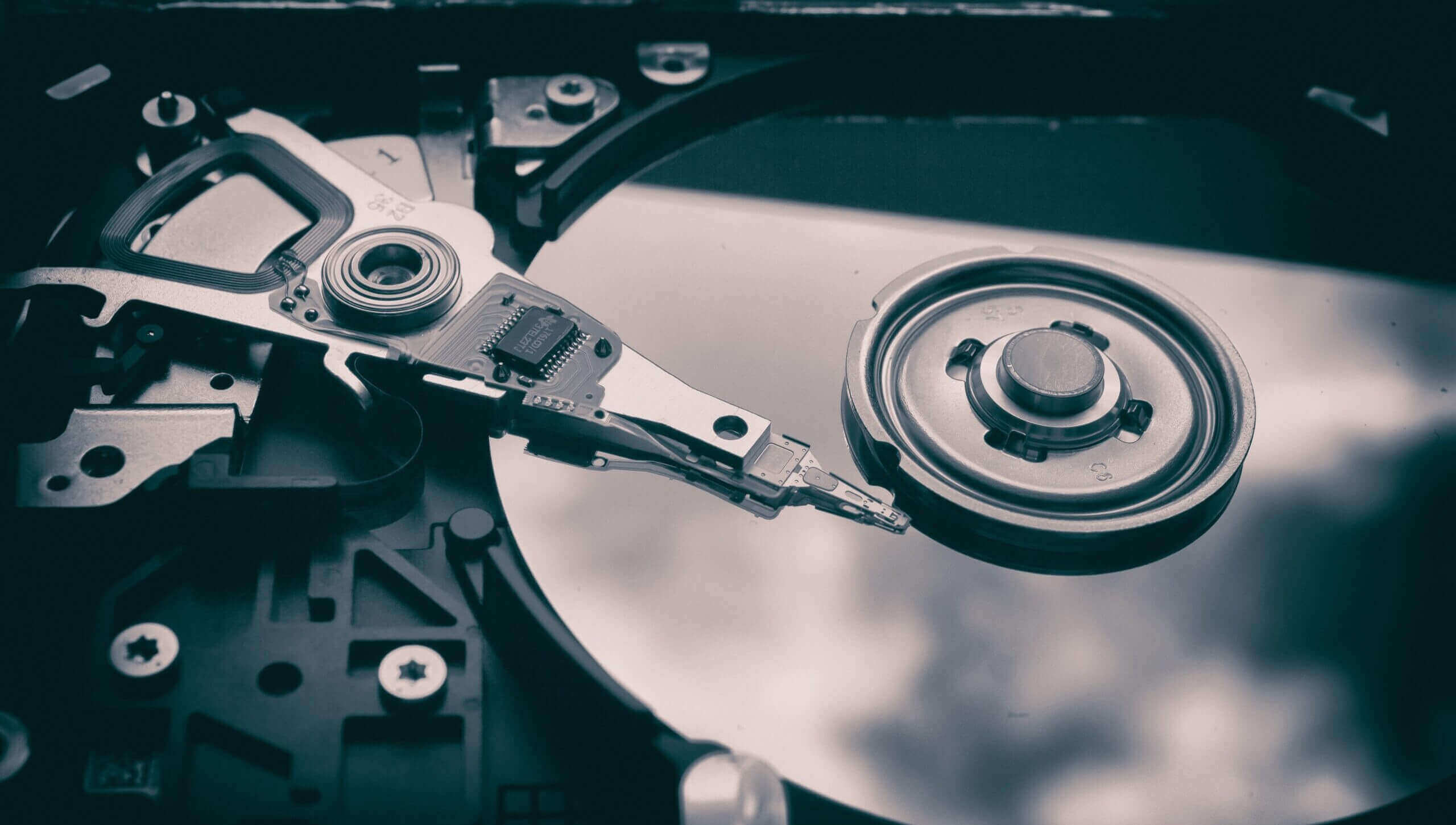
Hard drive failures often come without warning, and they can take all your data with them. But if you know the signs, you can catch the problem early and save yourself a big headache. Here’s what to look out for:
Common Signs of a Failing HDD
➡️ Clicking or grinding noises
That ticking or buzzing sound isn’t normal — it could mean physical damage inside your drive.
➡️ Slow file access or boot times
If your computer is suddenly taking forever to start up or open files, it might be the hard drive slowing things down.
➡️ Frequent system crashes or freezing
Especially if they happen while opening or saving files.
➡️ Corrupted or disappearing files
If files start vanishing or won’t open, your HDD might be failing.
Signs of a Failing SSD
➡️ Frequent crashes during boot
SSDs can suddenly stop working, especially if the system files are on bad sectors.
➡️ Read/Write errors
You might see random file corruption or apps refusing to install.
➡️ System freezes or “read-only” mode
Some SSDs enter a safe read-only mode when they detect serious issues.
➡️ SMART errors
These are early warnings your SSD might send. (Check for these below.)
What You Can Do Right Now
- Back up your data ASAP
- Check your drive’s health using:
If you’re seeing any signs above, we recommend running a full diagnostic for your device!
