
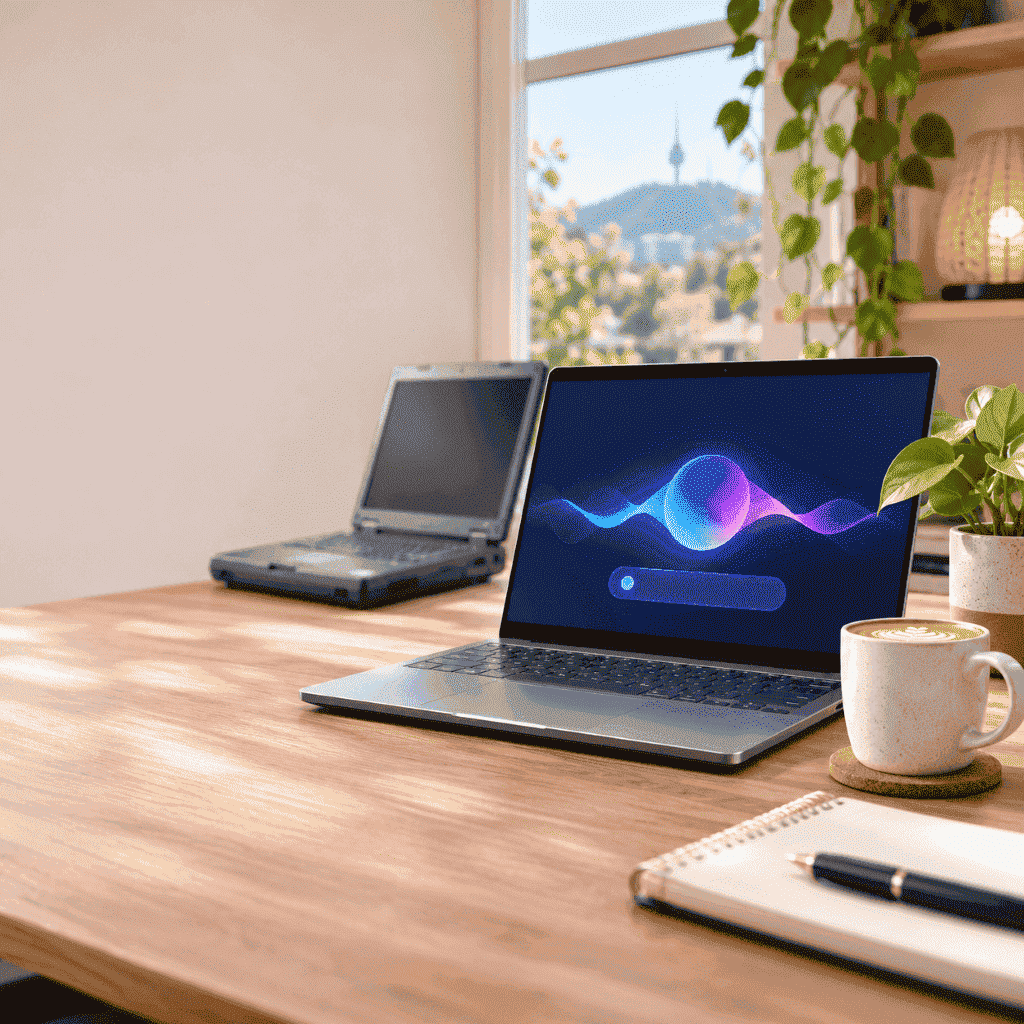
If you’ve walked past a laptop display in Canberra this month, you’ve probably seen “AI” on almost every price tag. Google’s new Googlebook laptops arrived in Australian stores on October 5, and NVIDIA’s RTX Spark laptops followed on October 16. With Black Friday on November 27, lots of people are now wondering whether their current laptop is suddenly “too old”.
At Local Geeks, we repair, upgrade and set up computers and laptops across Canberra every week, so here’s our honest take: what an AI laptop actually is, who really needs one, and when upgrading the laptop you already own is the smarter move.
What is an “AI laptop”?
An AI laptop has an extra chip called an NPU (neural processing unit) that sits alongside the normal processor. Its job is to run AI features on the laptop itself instead of sending everything over the internet. That means things like live captions, background blur on video calls, photo editing tools and AI assistants can run faster, use less battery, and keep more of your data on your own device.
You’ll see them sold under a few names: Copilot+ PCs (Windows), Googlebooks (Google) and the new RTX Spark laptops (NVIDIA).
What’s in the shops right now!
- Googlebook: Google’s new Gemini-powered laptops from Acer, ASUS, Dell, HP and Lenovo, in Australian stores since October 5. Every model starts with 16GB of RAM, and eligible buyers get a Google AI Pro trial. They run Google’s own Googlebook OS rather than Windows, so check that the programs you rely on will work before you buy.
- NVIDIA RTX Spark: premium Windows laptops built for creators, gamers and people running AI tools on the laptop itself. Models include the Dell XPS 16, HP OmniBook Ultra, Lenovo Yoga Pro 9n and Microsoft Surface Laptop Ultra. They start at US$2,599, and Australian pricing varies by model and retailer.
- Copilot+ PCs: Windows 11 laptops with a built-in NPU, sold by most big brands across a much wider price range.
Who actually needs an AI laptop?
It’s probably worth it if you:
- edit photos or videos, or do design work
- use AI tools for work every day and want them fast and private
- game or do 3D work and your current laptop is struggling
- need a new laptop anyway and the price difference is small
It’s probably not worth it yet if you mostly:
- browse, email, bank online and stream
- use Microsoft Office or Google Docs
- video call family or colleagues
For most Canberra households, everyday tasks don’t need an NPU at all. Popular AI tools like ChatGPT, Gemini and Copilot also have web versions that run in a browser on almost any modern laptop.
Can your current laptop keep going?
Often, yes. The two most common reasons a laptop feels slow are an old spinning hard drive and not enough memory (RAM). Swapping the hard drive for an SSD can make an older laptop start up and open programs much faster, for a fraction of the price of a new machine. Our HDD to SSD upgrade guide explains how it works.
RAM and SSD prices have gone up this year (we explain why in why RAM and SSD upgrades cost more), but an upgrade is still usually far cheaper than a new premium laptop.
Other problems that are often worth fixing rather than replacing the whole laptop:
- a battery that won’t hold its charge
- overheating and loud fans caused by dust (see why dust causes overheating)
- a cracked screen or a faulty keyboard
- a hard drive showing early signs of failure (see how to spot a failing drive)
Not sure whether yours is worth saving? Our team handles laptop repairs in Canberra and can tell you honestly whether an upgrade or repair makes sense before you spend money on a new one.
Still on Windows 10? You don’t have to panic-buy
Windows 10 support officially ended in October 2025, but Microsoft’s Extended Security Updates (ESU) program keeps home PCs getting security updates until October 12, 2027. It isn’t automatic, though. You need to enrol, and your PC needs to be on Windows 10 version 22H2.
You can enrol in one of three ways:
- free, if you sync your PC settings to your Microsoft account
- by redeeming 1,000 Microsoft Rewards points
- with a one-time payment of about US$30 (charged in local currency)
To enrol, open Settings, go to Windows Update, and look for the option to enrol in Extended Security Updates. Our earlier post, Windows 10 is retiring, covers the background. One warning: scammers love using “your Windows needs updating” pop-ups, so read how to spot a fake virus pop-up before you click anything that looks urgent.
Buying a new laptop anyway? Let us set it up properly
If you do decide to buy, whether it’s an AI laptop or not, the setup is where most people lose time and files. We can:
- move your files, photos and emails across from your old computer
- set up your printer, Wi-Fi and accounts
- remove the trial software that slows new laptops down
- set up automatic backups so you never lose your photos (see our data backup guide)
Looking at second-hand to save money? Read our used laptop buying guide first. For anything else, from slow PCs to virus removal, see our computer repairs in Canberra page.
AI Laptop FAQs
Is it worth upgrading my old laptop instead of buying a new one?
Often, yes. If your laptop is slow because of an old hard drive or too little RAM, an SSD or memory upgrade can make it feel much faster for far less than a new laptop. If it’s very old or has several faults, a new one may be a better value. We can check it and tell you honestly.
Do I need an AI laptop to use ChatGPT, Gemini or Copilot?
No. These tools have web versions that run in a browser on almost any modern laptop. An AI laptop mainly helps with AI features that run on the device itself, like live captions, photo tools and private AI assistants.
Will my Windows 10 laptop stop working?
No, it keeps working. If you enrol in Microsoft’s Extended Security Updates program, it will keep getting security updates until October 12, 2027. Enrolment is free if you sync your PC settings to your Microsoft account.
Not sure if you need a new laptop? Ask local geeks tech
Before you spend thousands on Black Friday, get an honest opinion. Local Geeks comes to you anywhere in Canberra. We’ll check your laptop, tell you whether an upgrade, a repair or a new machine makes the most sense, and help you get set up either way.
