
Buying a used laptop or a desktop computer can be a fantastic way to save money, especially with the high turnover of tech in a city like Canberra. Whether you are a student at ANU looking for a MacBook or a contractor needing a secondary Windows machine, the local Facebook Marketplace and Gumtree listings are always full of options.
However, the “second-hand bargain” can quickly turn into an expensive nightmare if you don’t know what to look for. Unlike a retail store, private sales don’t come with a warranty.
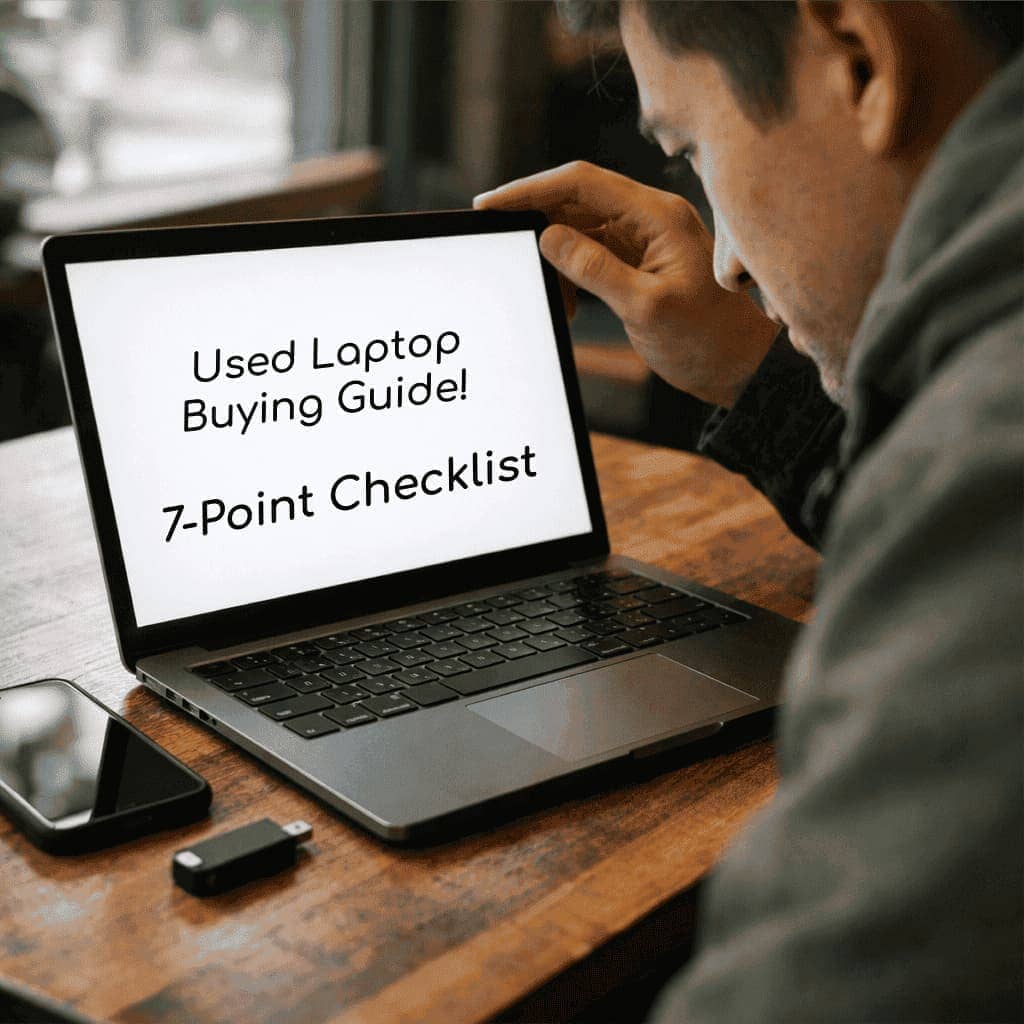
To help you shop with confidence, here is our used laptop buying guide of a 7-Point Checklist to ensure your next “new-to-you” computer isn’t a lemon.
1. The “Activation Lock” Check (Crucial for MacBooks)
This is the number one mistake buyers make. If a MacBook is still linked to the previous owner’s Apple ID (Find My Mac), you will never be able to fully own or reset that device.
- The Test: Ask the seller to log out of iCloud and “Erase All Content and Settings” in front of you. If they can’t or won’t, walk away immediately. It may be a stolen device.
2. Inspect the “Physical Health” Beyond the Used Laptop Surface
Don’t just look for used laptop surface scratches. Check the structural integrity of the machine.
- The Test: Open and close the lid several times to check for hinge resistance or clicking sounds. Check the bottom of the laptop for missing screws; this is a tell-tale sign that an amateur has tried (and perhaps failed) a DIY repair.
3. Screen Integrity & The “Dead Pixel” Hunt
A used laptop replacement screen for a modern laptop can cost $400 or more, often making a used purchase pointless.
- The Test: Open a browser and go to a “Dead Pixel Test” website that displays a solid white, then a solid black screen. Look for tiny dots that stay a different colour or “bruises” (dark patches) caused by pressure in a backpack.
4. Battery Health: The “Gas Tank” Test
Laptops are meant to be mobile. If the battery is shot, you’re just buying a desktop with a small screen.
- The Test (Mac): Go to About This Mac > System Report > Power. Check the “Cycle Count.” Anything over 800-1000 is nearing the end of its life.
- The Test (Windows): Open Command Prompt and type powercfg /batteryreport. It will generate a file showing the original capacity vs. the current capacity.
5. Check the Ports and Connectivity
Canberrans rely on their peripherals. A faulty USB-C port or a dead WiFi card can be a dealbreaker.
- The Test: Bring a small USB thumb drive and a pair of wired headphones. Plug them into every single port to ensure they register. Connect the laptop to your phone’s hotspot to verify the WiFi antenna is working.
6. Thermal Health & Fan Noise
Computers often run fine for five minutes, but start crashing once they get hot. In our Canberra summers, cooling is vital.
- The Test: Open a high-definition 4K video on YouTube and let it run for 5 minutes. If the fans sound like a jet engine or the laptop feels burning hot to the touch, the internal thermal paste may have dried out, or the fans could be clogged with dust.
7. The Used Laptop Storage Health (SSD/HDD)
A “slow” computer is often just a failing drive.
- The Test: If you want to be thorough, bring a portable version of “CrystalDiskInfo” (for Windows) on a USB stick. It will give you a “Health Status” rating. If it says “Caution,” the drive is about to fail.
The Ultimate Peace of Mind: A Professional Inspection
If you aren’t confident running these tests yourself, or if you’re spending a significant amount of money (over $1,000) on a used machine, don’t risk it.
At Local Geeks, we offer Pre-Purchase Tech Inspections for Canberra residents. You can arrange to meet the seller at your preferred location, or bring the device to us immediately after purchase. We will run a full diagnostic suite to verify the hardware, check for liquid damage, and ensure you’ve got a machine that will last you for years to have.
The Ultimate Used Laptop Buyer’s Checklist!
Don’t leave your next big purchase to chance.
Buying second-hand can save you hundreds, but a hidden fault could cost you even more. Download our free, printable 1-Page Buyer’s Cheat Sheet and take it with you to your next meetup. It’s the same checklist our technicians use to spot a “red flag” in minutes.
Used Laptop Buying Guide – FAQs
Is it better to buy a used MacBook or a used Windows laptop?
It depends on your needs, but MacBooks generally hold their value longer and have a more straightforward “Battery Cycle” and “Activation Lock” check. However, used Windows laptops, especially business-grade models are often more affordable and easier to upgrade or repair if a part fails down the track.
What is the biggest “red flag” when meeting a seller from Facebook Marketplace or Gumtree?
The biggest red flag is a seller who refuses to let you test the device with a guest login or refuses to remove their iCloud/Microsoft account in your presence. If they insist on meeting in a dark parking lot without a power outlet, or if the price seems “too good to be true”, it is likely a stolen or liquid-damaged machine.
Can I upgrade the storage or RAM if I buy an older, cheaper laptop?
For many older Windows laptops, yes! However, most modern MacBooks (post-2016) and “Ultrabook” style Windows PCs have the RAM and SSD soldered directly to the motherboard. If you plan on upgrading, check the specific model number first or ask us to verify the “upgradeability” for you before you hand over any cash.
How can I tell if a laptop has had liquid damage in the past?
Aside from sticky keys, look closely at the cooling vents and ports for any signs of corrosion or crusty residue like dried coffee or juice. On many laptops, you can also see small circular “Liquid Contact Indicators” through the casing or under the battery that turn red when they hit water.
Should I get a used computer professionally cleaned after I buy it?
Absolutely. Because Canberra can be quite dusty and high in pollen, second-hand computers often have clogged internal fans. A professional internal “Service & Clean” from Local Geeks not only removes the previous owner’s dust and allergens but also includes a thermal paste refresh to ensure the machine doesn’t overheat during an ACT summer.
Found a bargain, but want a second opinion?
Call us or book a “Geek” to check it over for you today!
