
Working from home has become a normal part of life across Canberra. Whether you are an APS employee attending Teams meetings every day, a university student studying remotely, or a small business owner managing work from a spare bedroom, the quality of your home office setup directly affects your productivity, comfort, and even your stress levels.
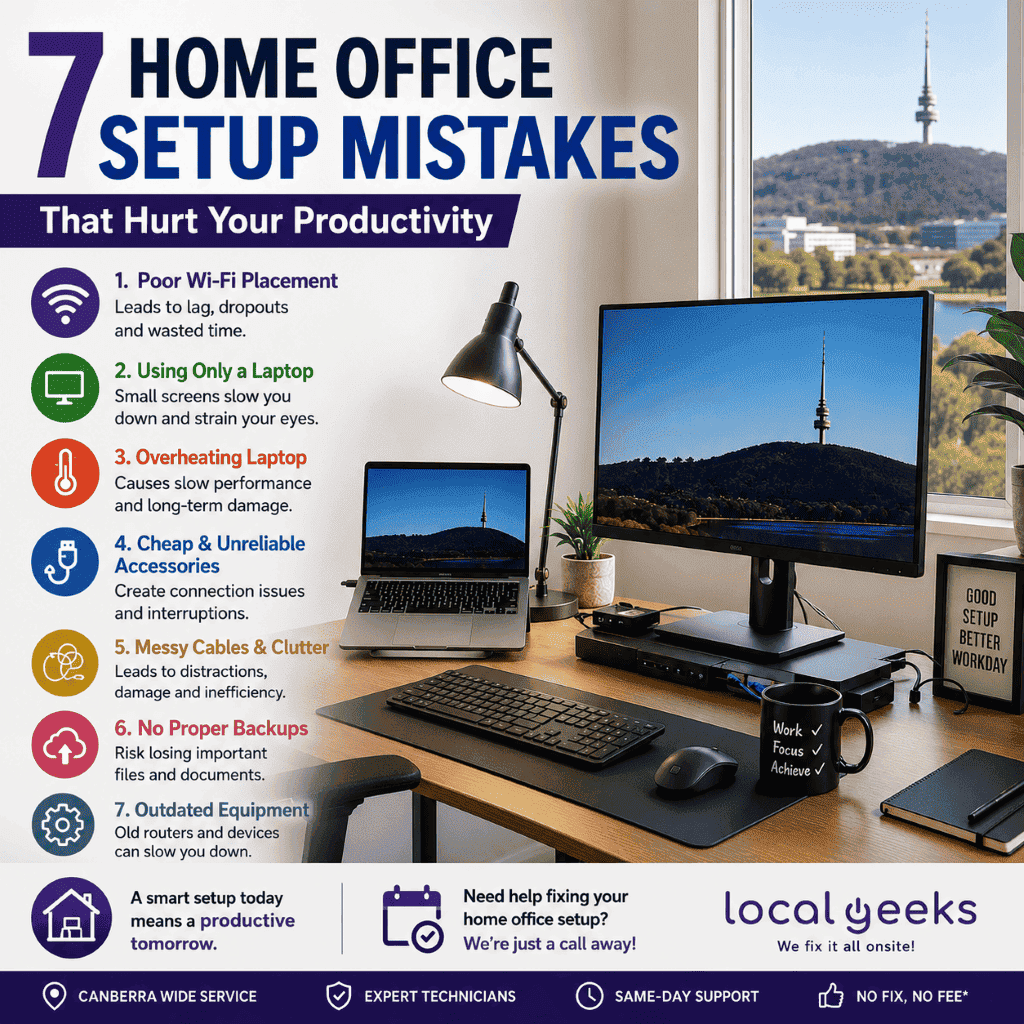
Many people assume productivity problems are simply part of working from home, but in reality, poor home office setups are often the biggest reason people struggle with slow computers, unstable internet connections, uncomfortable workspaces, and constant interruptions throughout the day.
At Local Geeks, we regularly help Canberra residents optimise home office environments that have slowly become frustrating and unreliable over time. Interestingly, most issues are not caused by major hardware failures. Instead, they are usually small setup mistakes that build up into larger daily productivity problems.
1. Weak Wi-Fi placement is quietly slowing down your entire workday
One of the most common problems we see in Canberra homes is poor Wi-Fi coverage caused by incorrect modem placement. Many people leave their router installed wherever the NBN technician originally connected it, often inside garages, cupboards, or at one end of the house. While internet speeds may look fine during a quick speed test, the actual day-to-day experience can feel very different.
Video meetings freezing midway through conversations, delayed file uploads, VPN dropouts, and cloud syncing problems are all signs of unstable wireless coverage rather than slow internet plans. In larger Canberra homes, particularly in suburbs like Gungahlin, Belconnen, and Tuggeranong, thick internal walls and multiple floors can weaken Wi-Fi signals significantly.
What surprises many people is how much time gets wasted every week simply waiting for pages to load, reconnecting to meetings, or retrying failed uploads. A properly positioned router or a quality mesh Wi-Fi system can completely change how reliable a home office feels.
A few signs your current Wi-Fi setup may be affecting productivity include:
- Teams or Zoom calls randomly freeze
- VPN disconnecting during work
- Slow cloud backups or OneDrive syncing
- Internet is slowing down at night
- Strong Wi-Fi in one room, but weak signal in another
2. Small laptop screens reduce productivity more than people realise
Another issue many Canberra professionals overlook is relying entirely on a laptop screen for full-time work. While laptops are convenient, spending eight or nine hours a day working from a single small display creates constant digital clutter. People end up endlessly switching between windows, resizing spreadsheets, minimising emails, and losing focus throughout the day.
A proper monitor setup dramatically improves workflow, especially for people handling documents, spreadsheets, emails, or video conferencing simultaneously. Even adding one extra monitor can make multitasking feel smoother and far less mentally exhausting.
There is also a physical side to the problem. Looking down at a laptop screen all day often leads to neck strain, headaches, shoulder tension, and poor posture. Over time, these small discomforts begin affecting concentration and energy levels during work hours.
Interestingly, many people only realise how inefficient their old setup was after switching to dual monitors or a docking station. Once the workflow becomes smoother, going back to a single-screen setup feels surprisingly restrictive.
3. Laptop overheating is more common in home offices than people think
One hidden productivity killer in Canberra home offices is overheating laptops. Since many people work from couches, dining tables, or temporary desk setups, laptops are often placed on blankets, soft surfaces, or inside poorly ventilated shelves. This blocks airflow and causes internal temperatures to rise much higher than intended.
Modern laptops automatically reduce performance when temperatures get too high. This means your computer may quietly slow itself down throughout the day without you realising overheating is the actual cause. Fans become louder, programs respond more slowly, and systems may even freeze or randomly restart under heavy workloads.
Canberra’s dry climate also contributes to internal dust buildup over time. Dust inside cooling fans and heatsinks acts like insulation, trapping heat inside the laptop and making cooling systems work much harder.
Common overheating symptoms include:
- Loud fan noise is constantly running
- Laptop becoming hot underneath
- Random freezing or shutdowns
- Slow performance during meetings
- Battery is draining unusually fast
Regular internal cleaning and proper airflow can significantly improve both performance and hardware lifespan.
4. Cheap USB-C accessories often create unstable workstations
As more laptops rely on USB-C ports, many home office users purchase inexpensive hubs and docking stations online to connect monitors, keyboards, chargers, and Ethernet cables. Unfortunately, cheap accessories are now one of the most common causes of unstable workstation behaviour.
We regularly see Canberra home office setups suffering from:
- Monitors flickering randomly
- USB devices disconnecting
- Charging issues
- Ethernet instability
- External drives are failing to detect properly
These issues become especially frustrating during important meetings or deadlines because they appear inconsistent and difficult to troubleshoot. In many cases, the actual laptop is perfectly fine, but the dock or adapter is creating bottlenecks and instability behind the scenes.
Reliable accessories from established brands generally create far fewer issues long-term and provide a much smoother work experience overall.
5. Poor cable management creates more problems than most people expect
Cable clutter may seem harmless, but messy desks often create surprisingly inefficient work environments. Tangled charging cables, overloaded power boards, and poorly routed monitor cables make troubleshooting more difficult and increase wear on devices over time.
A cluttered workspace also affects concentration more than people realise. Clean, organised setups tend to feel calmer and easier to work in, while messy desk environments often create low-level stress and distraction throughout the day.
Simple improvements such as cable clips, labelled chargers, and properly spaced power boards can make a home office feel much more professional and easier to manage.
6. Many people ignore backups until it is too late
One of the biggest misconceptions in modern home offices is assuming cloud syncing automatically protects everything. Unfortunately, cloud syncing and proper backups are not the same thing.
If files become corrupted, accidentally deleted, or infected by ransomware, cloud services may simply sync the damaged versions across all devices. We frequently speak with people who assumed their work was protected until a laptop failure or sync issue suddenly removed access to important documents.
A proper backup strategy should always include multiple layers:
- Cloud storage
- External backup drives
- Automatic scheduled backups
- Version history protection
For remote workers and small businesses, reliable backups are now essential rather than optional.
7. Home office productivity depends on reliable technology
A home office does not need to be expensive to work well, but it does need to be reliable. Small setup issues that seem minor individually can slowly create hours of lost productivity every single week. Poor Wi-Fi coverage, overheating laptops, unstable accessories, outdated hardware, and messy workspaces all combine to make daily work far more frustrating than it needs to be.
The good news is that many of these problems can be fixed quickly without replacing your entire setup.
At Local Geeks, we help Canberra residents optimise home office environments with:
- Wi-Fi troubleshooting
- Laptop repairs
- SSD and RAM upgrades
- Docking station setup
- Virus removal
- Multi-monitor configuration
- Computer tune-ups
- Home office technology support
We provide mobile onsite support across Canberra, including Belconnen, Woden Valley, Weston Creek, Gungahlin, Tuggeranong, and Queanbeyan.
If your home office setup feels slower, noisier, or more frustrating than it should, a professional assessment can often identify the issue quickly and help you get back to working comfortably and efficiently.
FAQs – Common Home Office Setup Mistakes to Avoid
1. What is the biggest home office setup mistake people make?
One of the biggest mistakes is poor Wi-Fi placement. Many people place their router in a garage, corner room, or cupboard, which weakens the signal and causes slow internet, video call dropouts, and unstable connections during work.
2. Does using two monitors actually improve productivity?
Yes, dual monitors can significantly improve productivity. They reduce constant window switching, make multitasking easier, and help users work more efficiently with emails, spreadsheets, meetings, and documents at the same time.
3. Why does my laptop get hot while working from home?
Laptops often overheat when placed on soft surfaces like beds, couches, or blankets that block airflow. Dust buildup inside the cooling system can also cause overheating, loud fan noise, and slow performance over time.
4. Should I upgrade my home office Wi-Fi setup?
If you experience buffering, slow downloads, weak signal areas, or unstable video meetings, upgrading your Wi-Fi setup may help. Modern Wi-Fi 6 or mesh systems can improve speed, coverage, and reliability throughout your home.
5. How often should I service or clean my work computer?
For most home office users, a professional computer cleaning and maintenance check every 6 to 12 months is recommended. Regular servicing helps prevent overheating, improves performance, and extends the lifespan of your laptop or desktop computer.
Need Help with Home Office Setup?
Call us or Book it Online.
